Set context
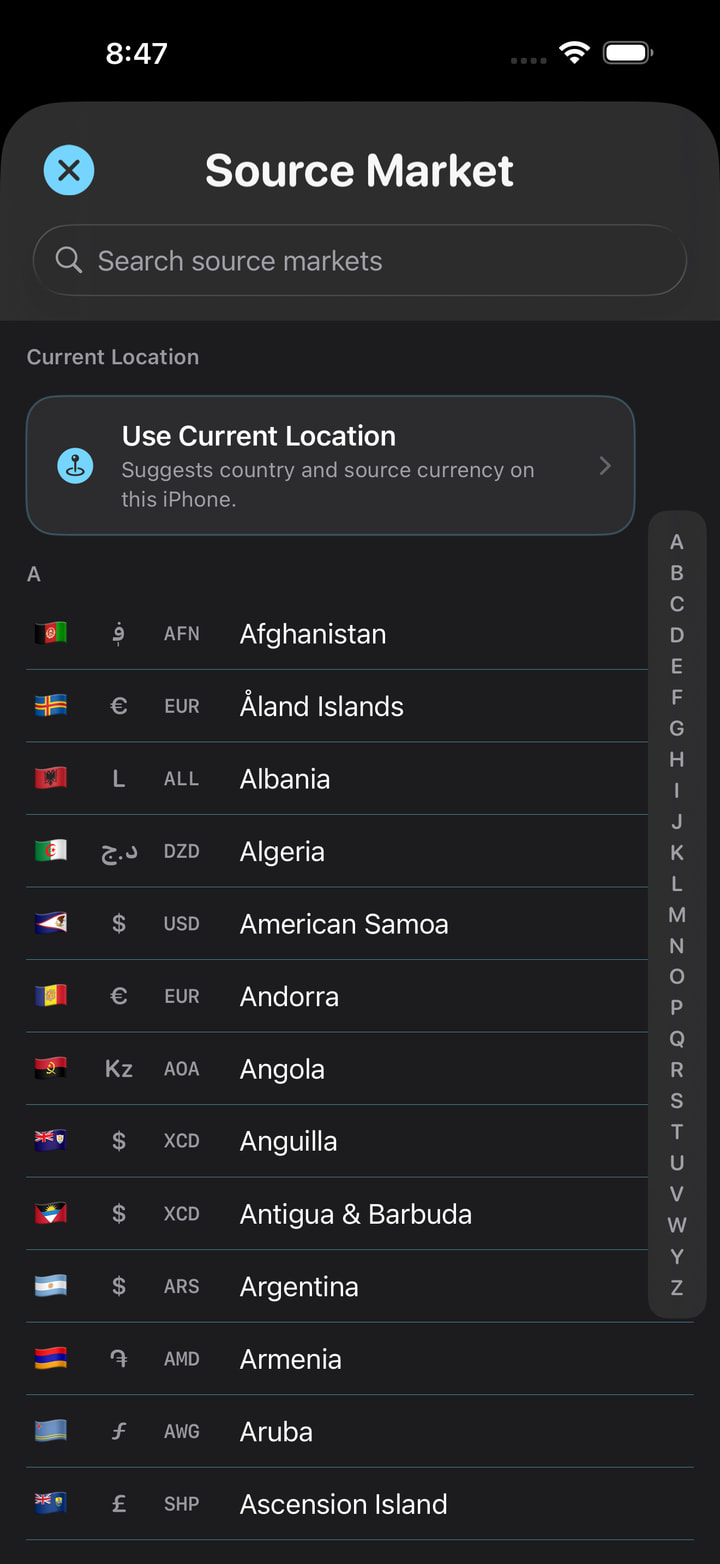
Choose the market
Select where the tag is displayed so the app knows the expected source currency and local price terms.
PRICE TAG FXJapan · JPY → USD
Price-tag clarity for iPhone
Scan a foreign price tag, find the likely checkout price, and see a clear conversion before you pay.
Free to tryNo accountNo third-party display ads
Before you pay
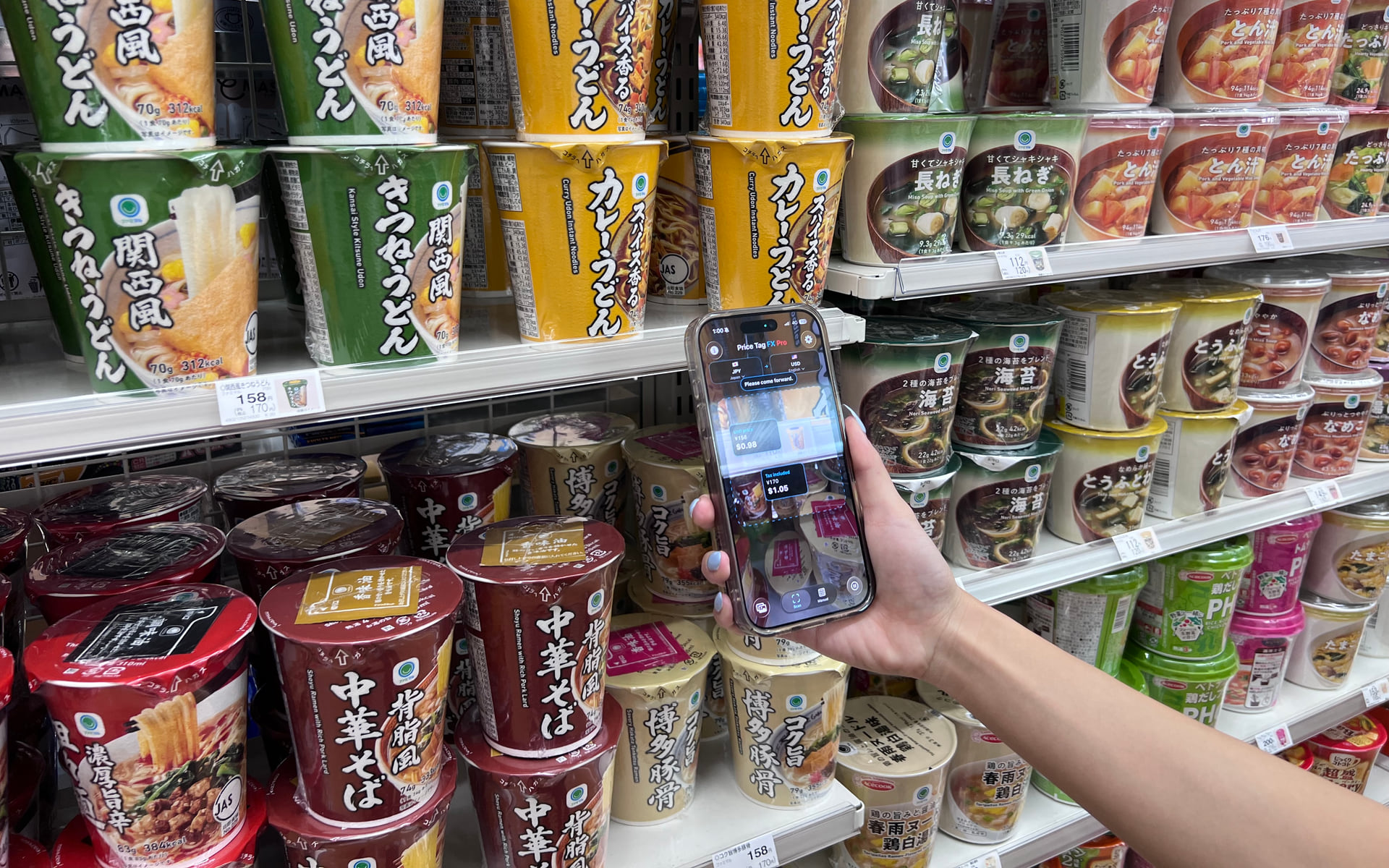
Tax-included, sale, member, unit, and multibuy prices can sit together. Price Tag FX ranks the likely price, then converts it so you can decide with more context.
On-device Apple Vision OCR for camera frames and selected photos
Local interpretation of supported price terms in 20 language resources
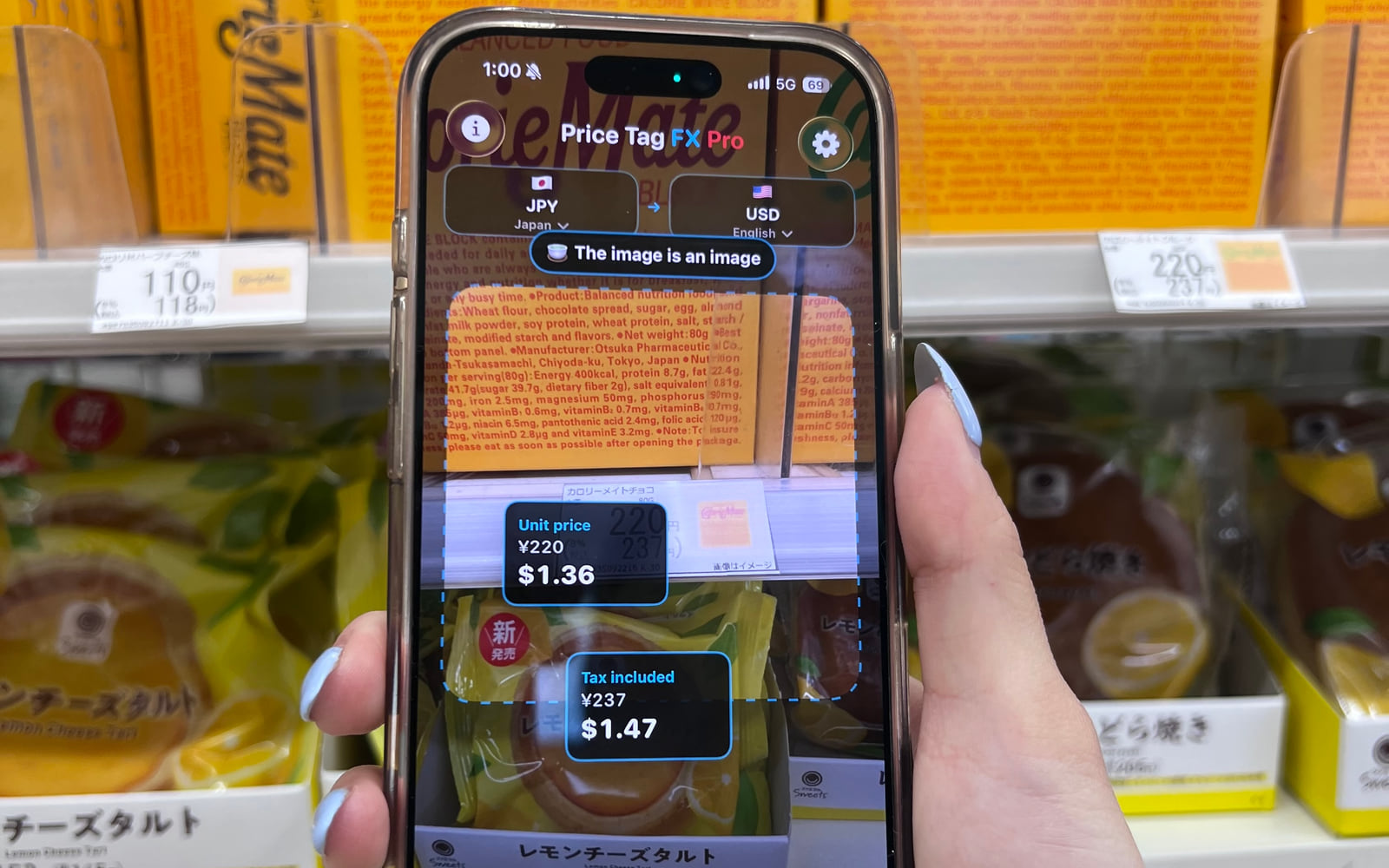
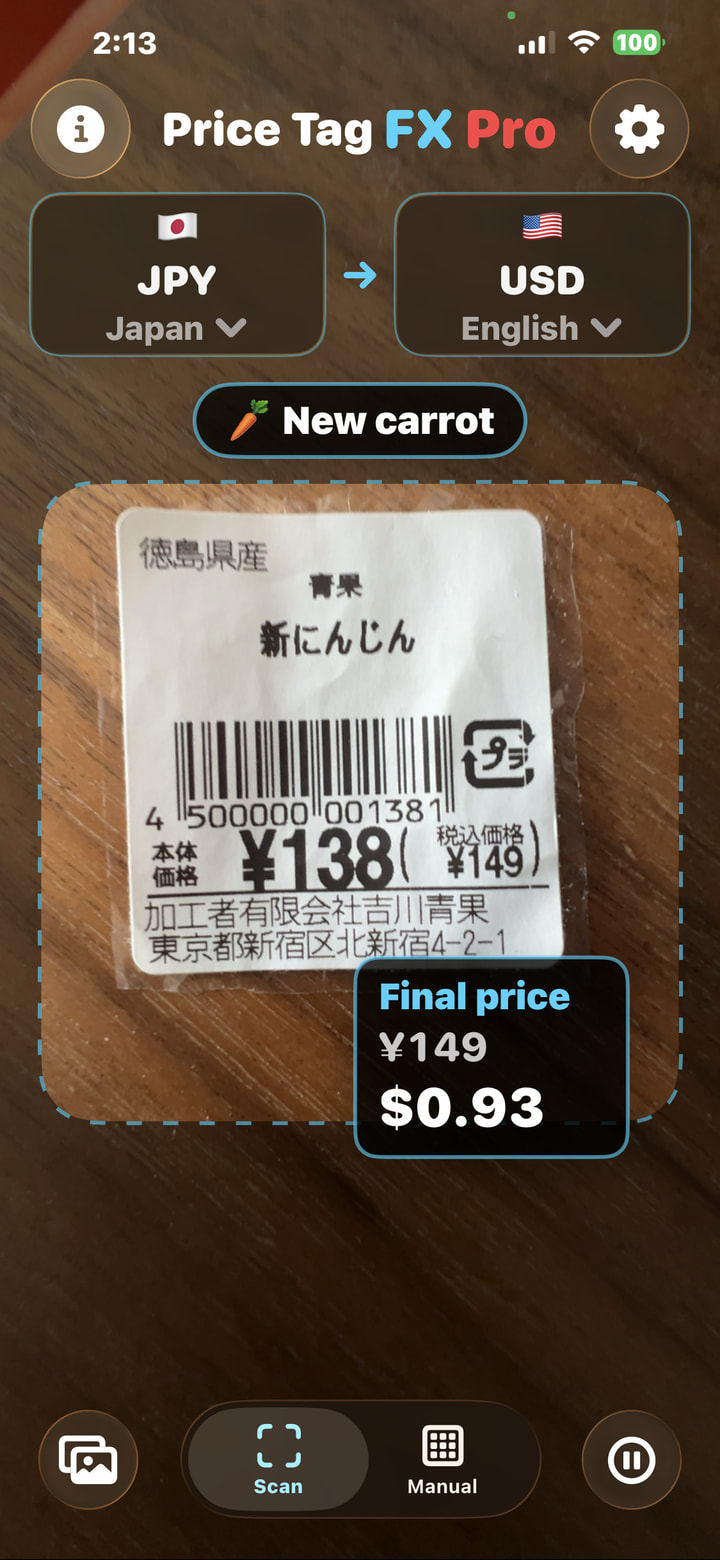
Price Tag FX ranks visible amounts and labels likely roles such as tax included, sale, member, or unit price.
See an estimated value in your chosen currency using the latest usable exchange-rate snapshot on your phone.
Five deliberate steps
Choose the shopping context first, then treat the result as a ranked estimate.
Set context
Select where the tag is displayed so the app knows the expected source currency and local price terms.
Capture
Frame one readable tag. Freeze a live frame or choose a photo when small print needs a steadier look.
Interpret
Price Tag FX ranks visible amounts and labels likely roles such as tax included, sale, member, or unit price.
Estimate
See an estimated value in your chosen currency using the latest usable exchange-rate snapshot on your phone.
Confirm
OCR, price interpretation, taxes, conditions, rates, and card fees can differ. The store display remains authoritative.
Shipping interface
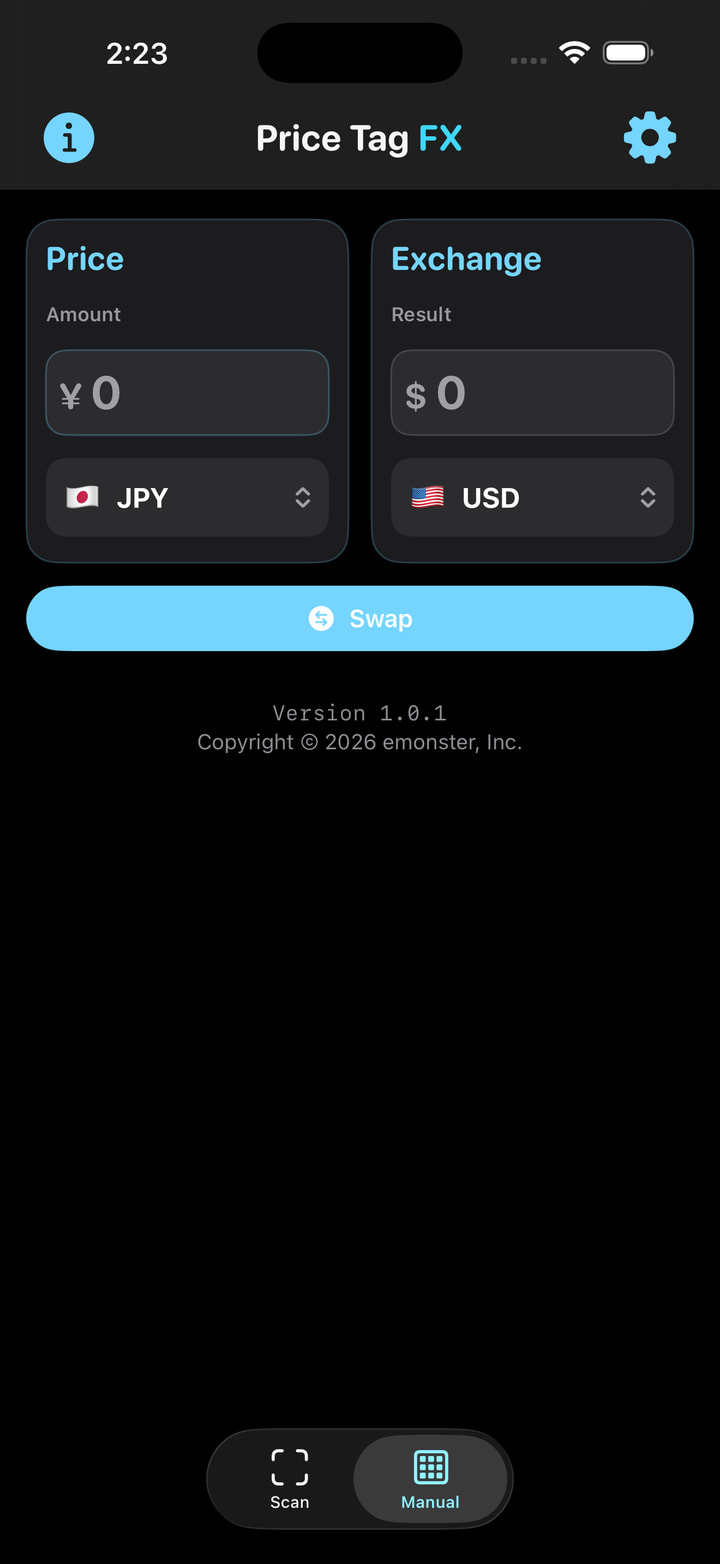
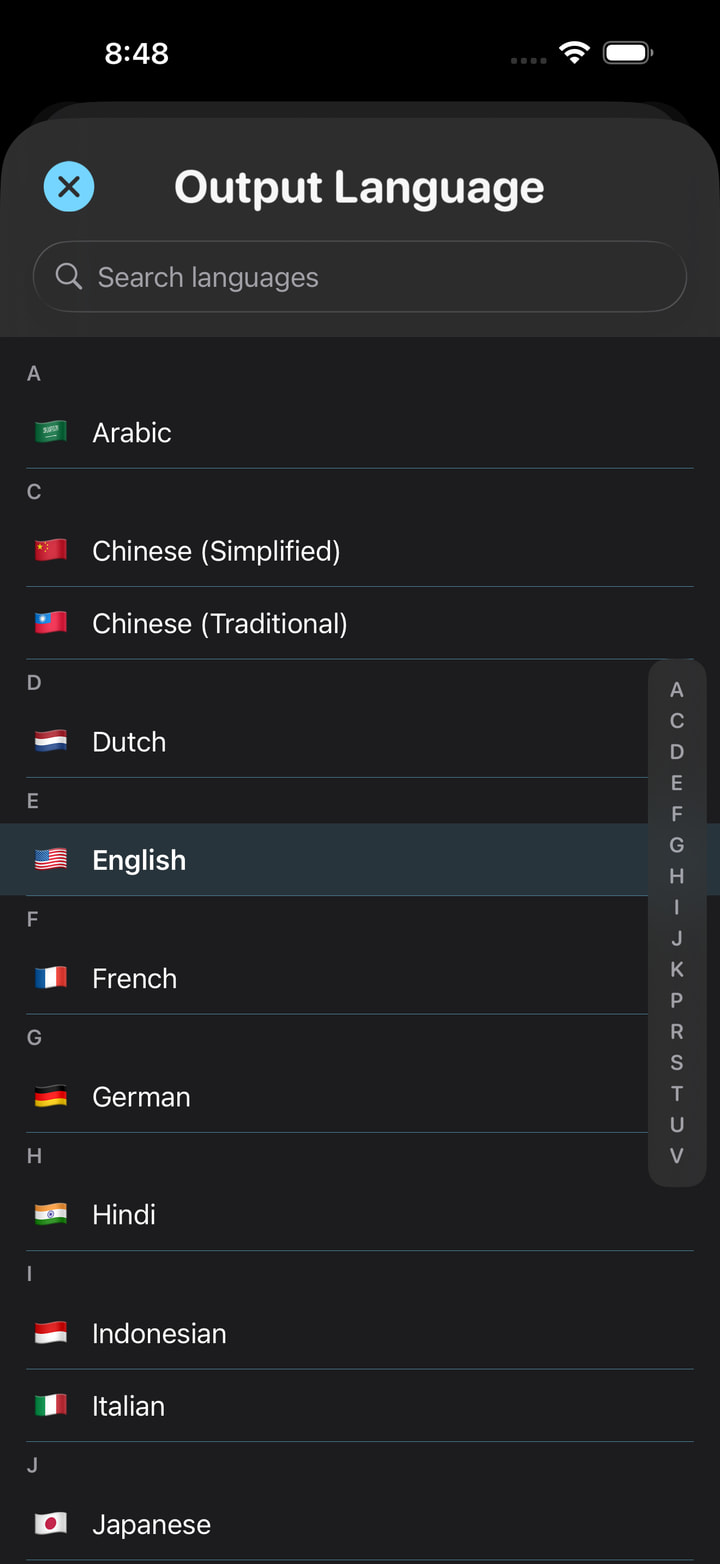
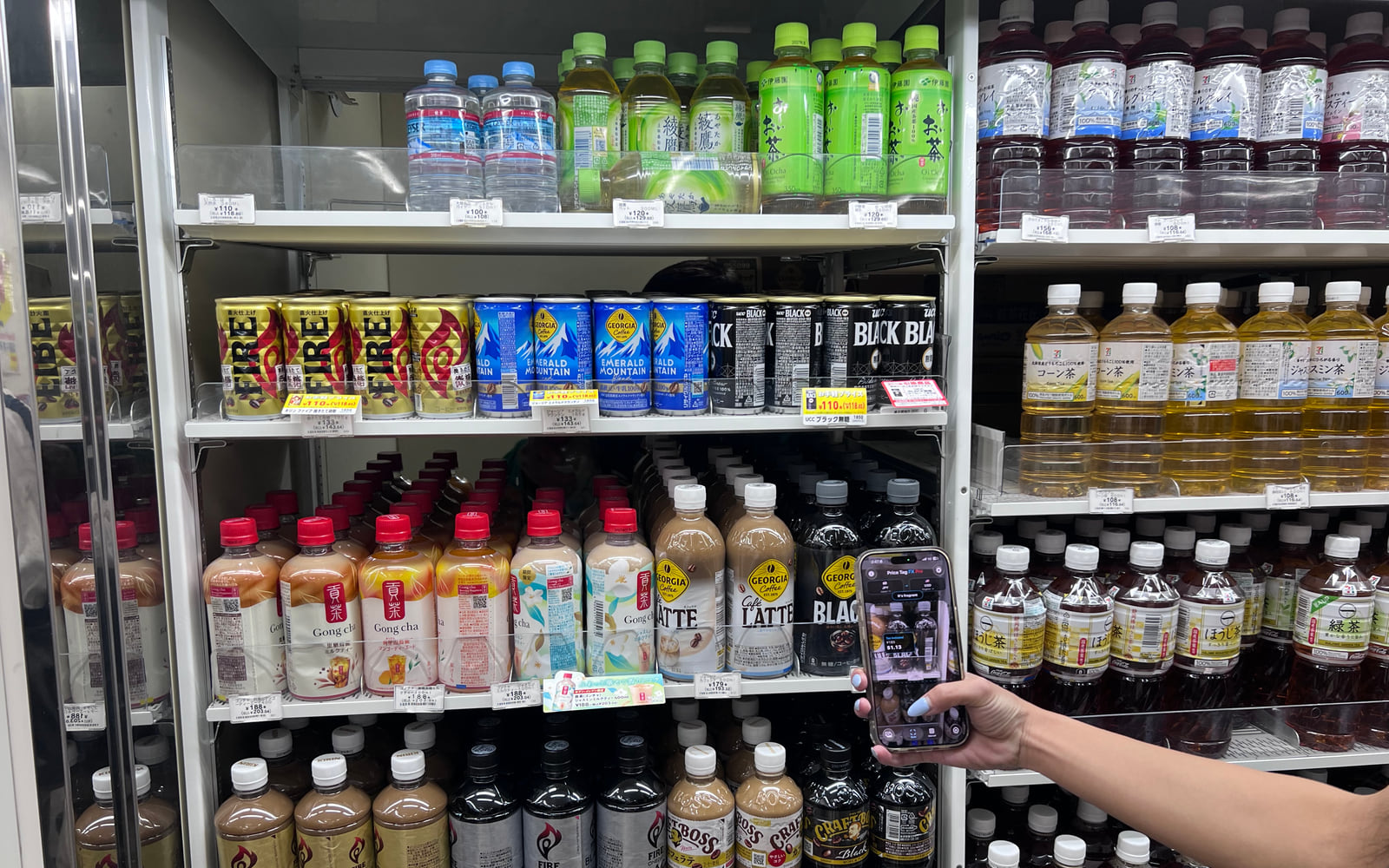
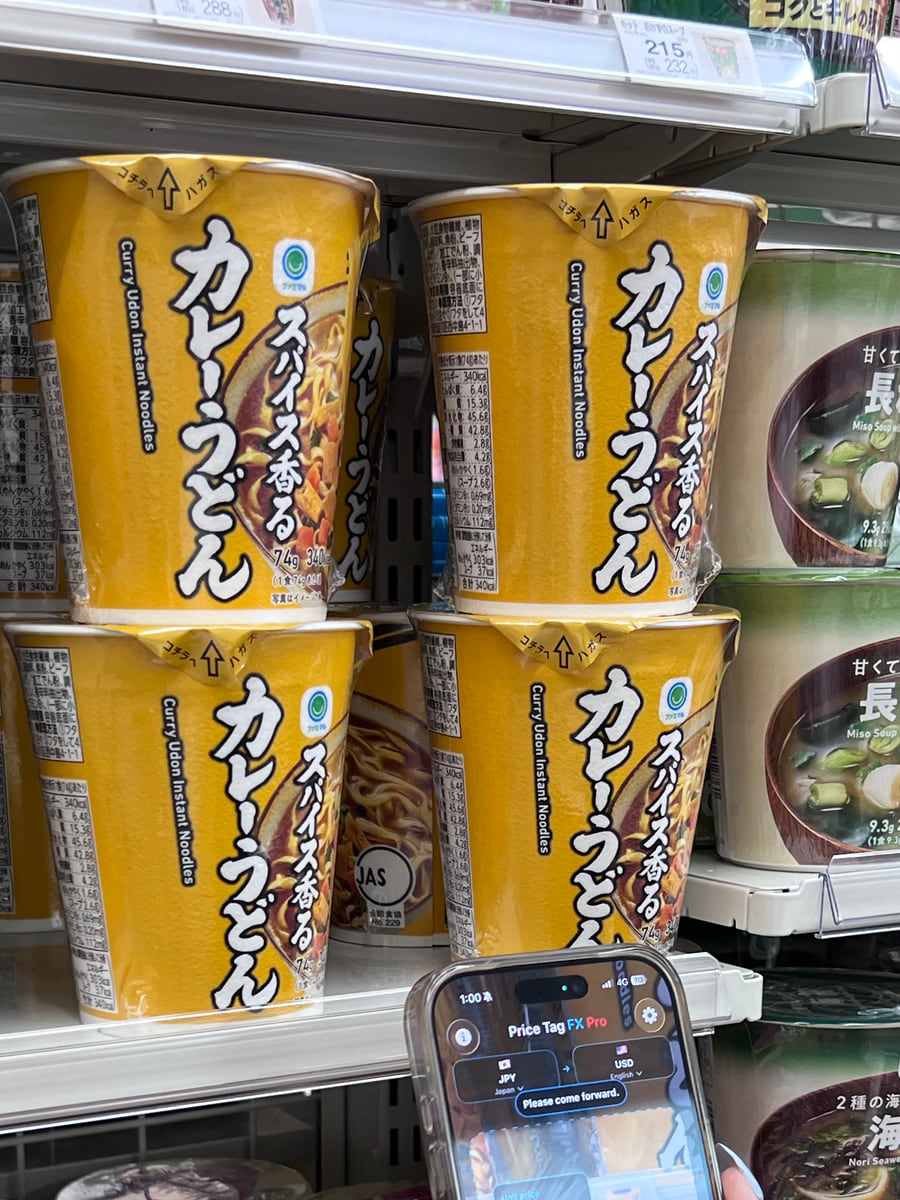
Live camera, market choice, manual conversion, language labels, and access options—shown from the current app.
Meaning around the number
Local dictionaries recognize price-related signals. They do not promise universal product translation or store-rule certainty.
The displayed amount includes the stated consumption tax.
Tax may be added before the final checkout amount.
A promotional price that may have dates or quantity conditions.
The normal or comparison price, not necessarily today’s final price.
May require a card, account, app, or other store qualification.
A comparison amount per weight, volume, or item—not always the pack total.
Signals a quantity condition; the app does not calculate every bundle rule.
A reward or credit can sit beside the amount and is not cash off by default.
A discount signal; always check which base price and products qualify.
No camera required
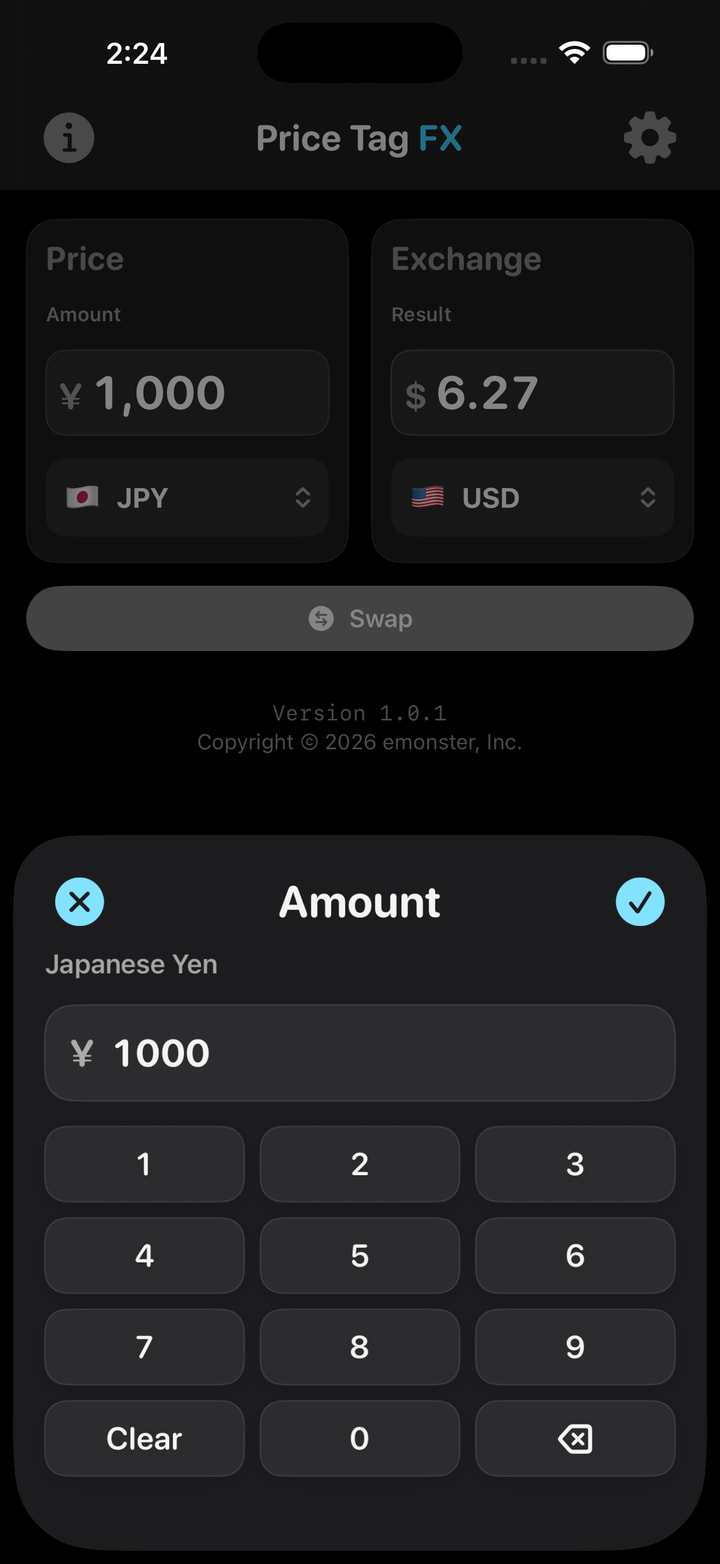
Manual conversion remains available without paid access. Choose the currencies, enter an amount, and review the estimate with the snapshot date and rate details.
There are 160 selectable monetary currencies in the app. That is not the same as guaranteed live-rate coverage: the selected provider and the cached source snapshot determine which pairs can convert.
Learn how rate estimates differ from checkout
Free to try. No auto-renewing subscription.
Plan names are shown here without prices. The App Store is the source for current localized pricing and availability.
10 starter scans, then one successful live scan per local day. Low-confidence and protected duplicate results do not consume another scan.
Non-renewing Pro access for seven days. Access ends automatically rather than becoming a subscription.
Non-renewing Pro access for thirty days, with the same Pro behavior throughout the active period.
A non-consumable purchase for ongoing Pro access while the entitlement remains verified.
Privacy with precise boundaries
Camera frames, freeze frames, selected-photo pixels, OCR text, parsed prices, and manual amounts stay out of the app’s cloud OCR and analytics payloads.
The app still connects to services for exchange rates, optional analytics, crash diagnostics, StoreKit, and optional location-to-market support. The website’s optional GA4 integration stays off until you explicitly allow it, and you can reject or withdraw at any time.
Shopping field guides
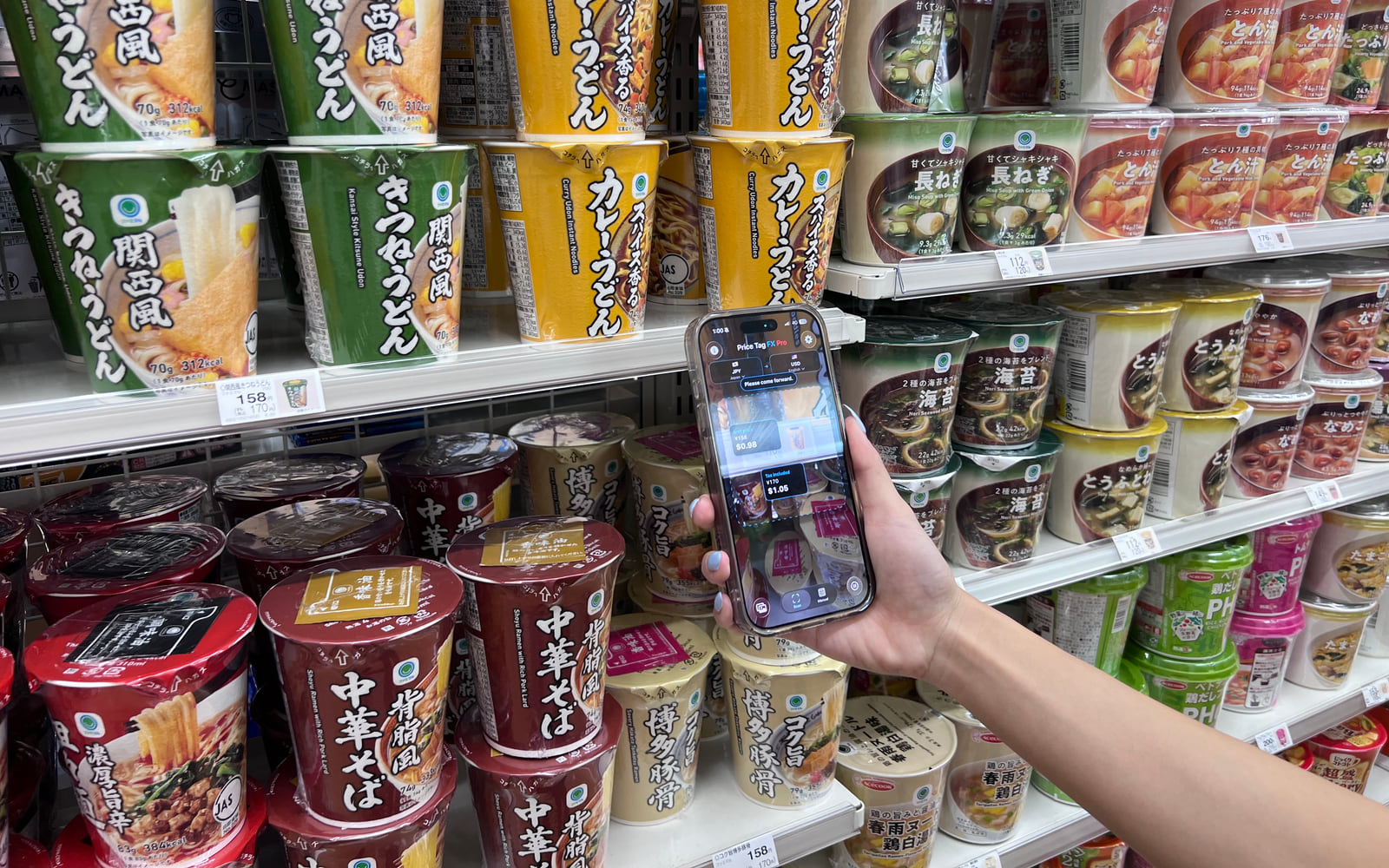
Guide
Use Price Tag FX to scan a foreign price tag, identify likely retail terms, and estimate a conversion while shopping abroad.
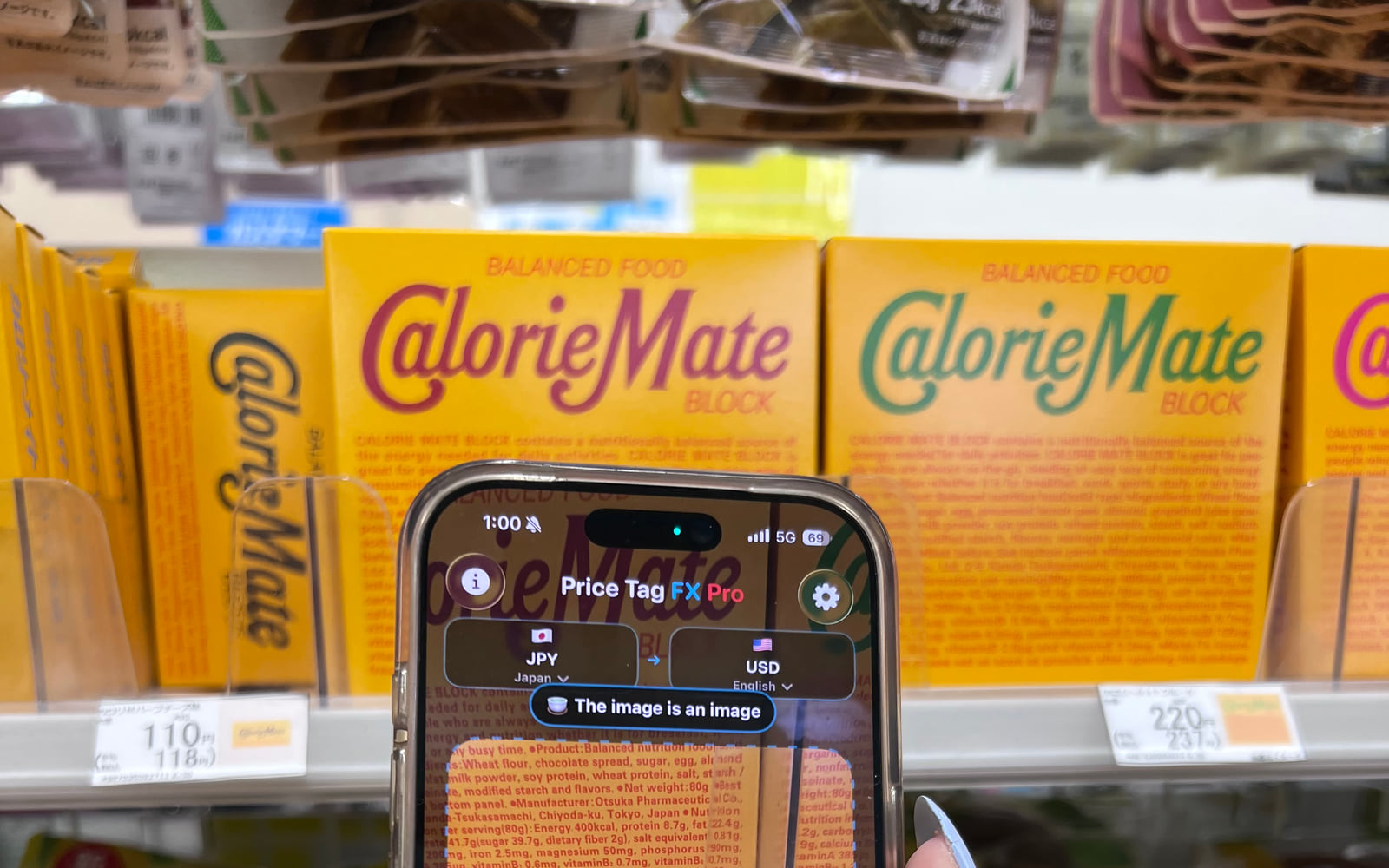
Guide
Learn common Japanese price-tag signals, scan likely yen prices, and distinguish tax, sale, member, and unit prices.
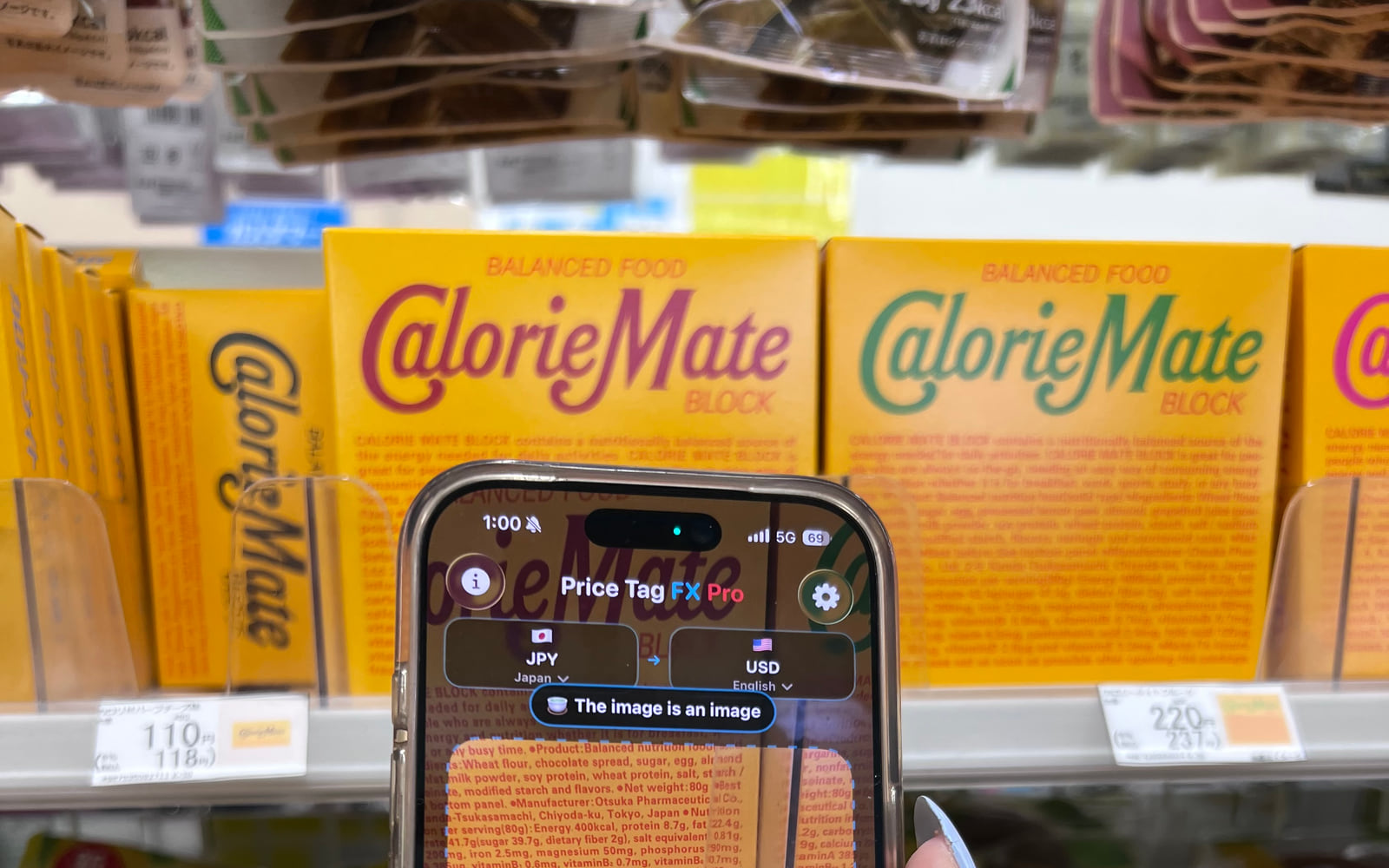
Guide
Understand 税込, 税抜, and 本体価格 on Japanese shelf labels and use Price Tag FX to compare the likely payable amount.
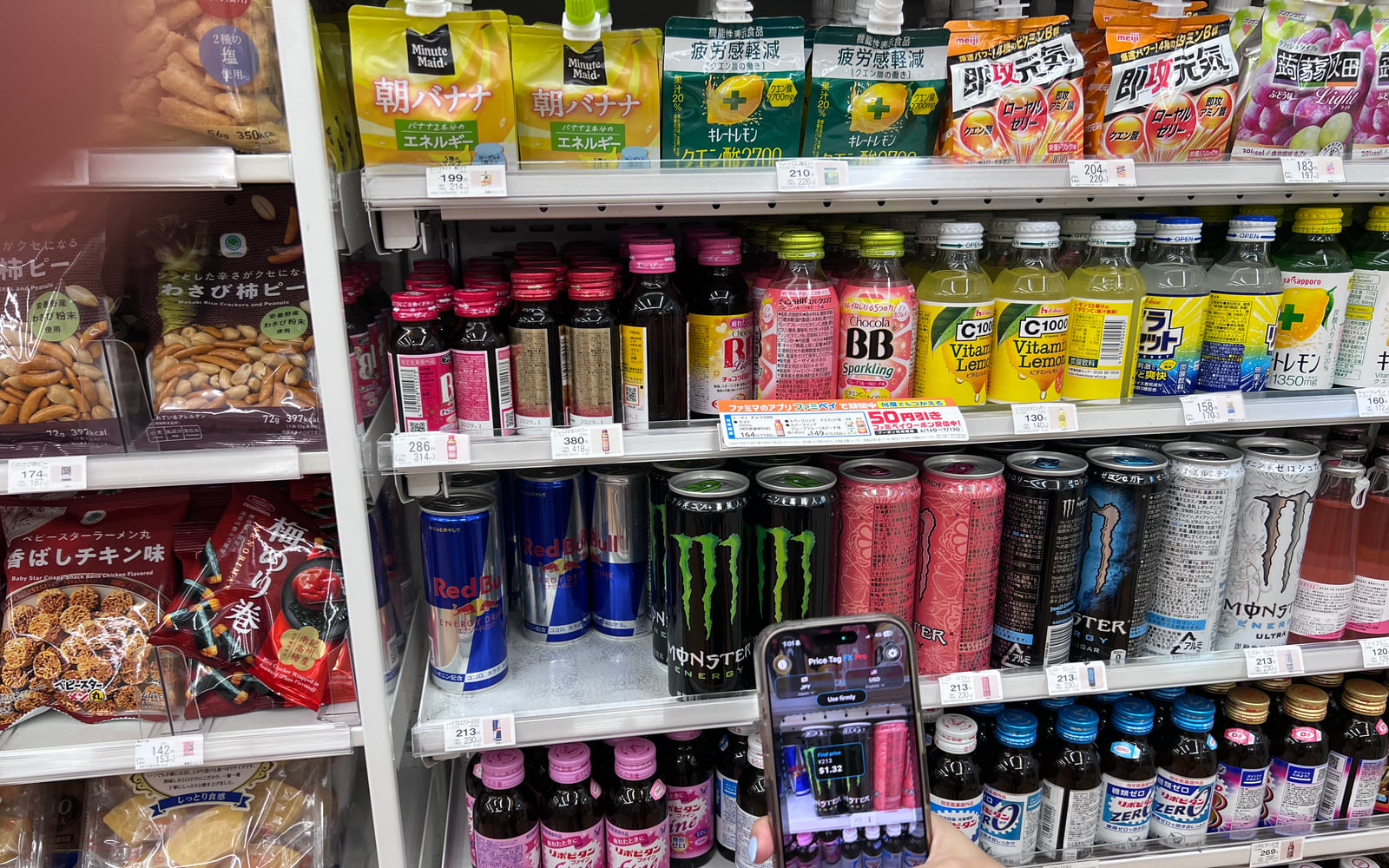
Guide
Compare Japanese sale, regular, member, unit, and multibuy price signals with a cautious Price Tag FX workflow.
Guide
Choose a market, scan or enter a price, use cached reference rates, and verify card or checkout costs while traveling.
Guide
Choose a saved price-tag image, run the accurate on-device OCR path, and understand access, privacy, and image-quality limits.
Questions before checkout
Choose the source market, frame one readable tag, then use live scan, Freeze, or Photo. Review the likely price role and estimated conversion, and verify the store’s checkout display.
Read the complete scanning guideYes. You choose a specific image with Apple’s photo picker. The app processes that selected image with on-device OCR; it does not browse your library in the background.
Compare live, freeze, and photo workflowsOn-device OCR and price-term parsing can work offline. Conversion needs a previously downloaded rate that covers the selected pair; fresh rates require a network connection.
Understand cached exchange ratesNo. Price Tag FX locally interprets supported price-related terms. On iOS 26 or later, a likely product title may be translated separately only when the required Apple Translation language pair is available and installed.
Learn how Japanese price terms are handledIt is free to try with 10 starter scans and then one successful live scan per local day. Manual conversion stays available. Optional Pro access comes as lifetime, 7-day, or 30-day non-renewing access.
See free and Pro accessThey are estimates. Lighting, label design, OCR, store conditions, tax, cached rates, card-network rates, fees, and checkout rules can all change what you pay.
Troubleshoot a difficult price tagPrice Tag FX for iPhone
Free to try. No account. No third-party display ads.