Price Tag FX field guide
Price-tag scan troubleshooting on iPhone
When a price-tag scan fails, diagnose the stage instead of repeatedly aiming at the same image. First confirm camera or photo access, then improve focus and framing, verify the source market, check whether OCR recognized an explicit currency-marked amount, inspect price-role warnings, and finally confirm that a cached rate covers the currency pair. Missing product-title translation is separate from price parsing, and a processed photo can still have its result hidden by the scanner access gate. Price Tag FX produces likely estimates, so a persistent mismatch should end with checkout verification rather than forced confidence.
Stage one: make the image readable
Live scanning requires camera permission and a configured camera session. If permission is denied, the app shows a camera-access message rather than OCR results. Permission can be changed in iOS Settings. Photo import remains a separate system-picker path, but the selected image still needs readable pixels. A permissions fix cannot repair blur, reflection, tiny type, or a tag outside the viewfinder.
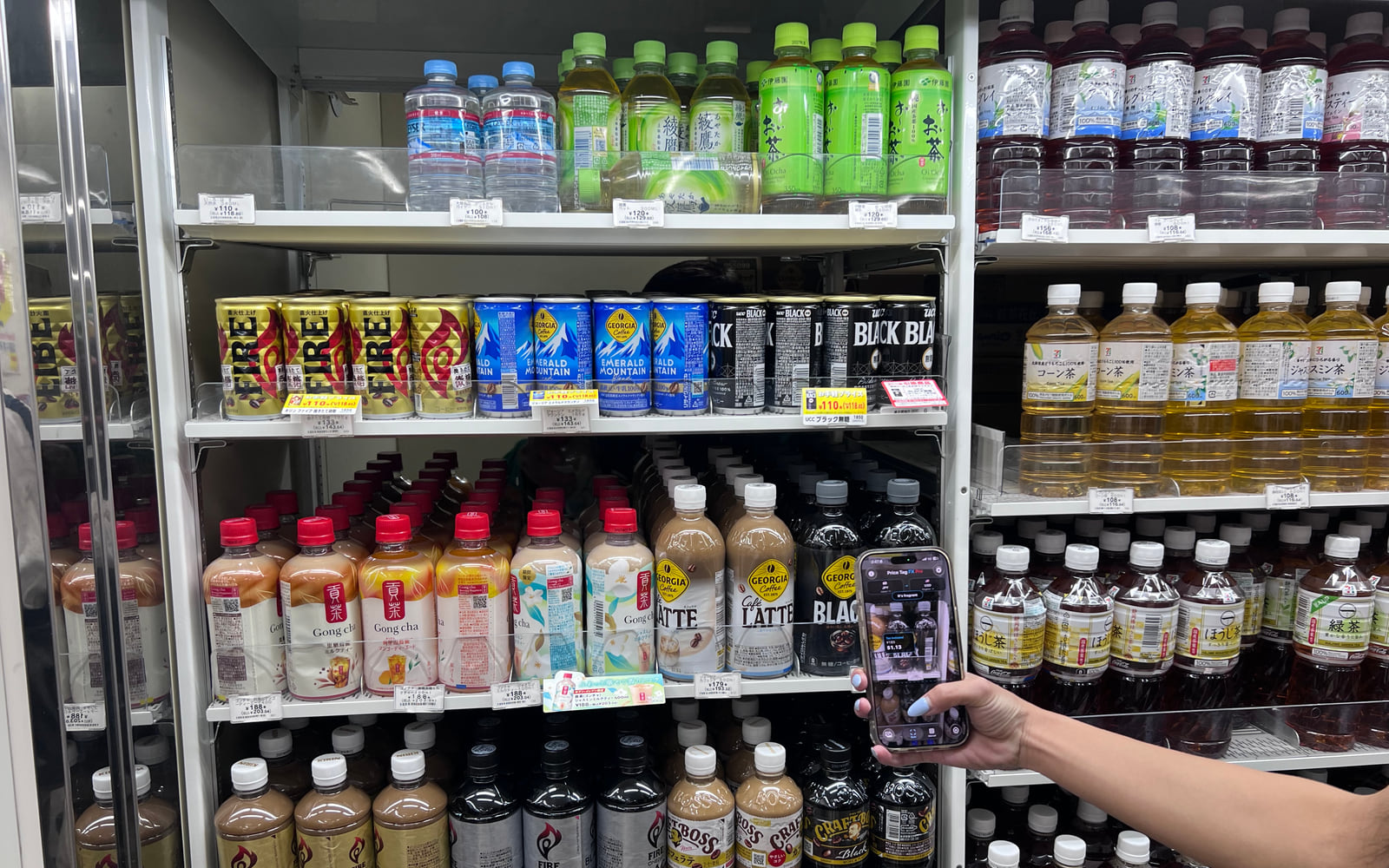
Start with one label. Hold the phone parallel to the tag, reduce glare, and include the currency symbol plus the words that identify tax, sale, membership, or unit pricing. Wait for a stable result. If live text flickers, use Freeze. If you have a sharper close-up, crop it and use Photo. Do not fill the frame with only the digits; the surrounding term often determines which amount is meaningful.
- Confirm camera permission for live mode.
- Clean the lens and use bright, even light.
- Frame one complete price card rather than a shelf full of labels.
- Keep the currency mark and explanatory words visible.
- Retry with Freeze or a cropped photo.
- A large blurry number is less useful than a smaller sharp number with its label.
- Plastic shelf rails can create glare exactly over the tax-included total.
- Perspective distortion can separate a term from the amount it describes.
Stage two: correct market and parsing context
The source market constrains the expected currency and selects the local price-term dictionary. A Japanese tag with the wrong market can lose Japanese term matches or have yen evidence treated cautiously. The optional current-location action only suggests a country and currency; it does not continuously follow you or identify the store. Correct a poor suggestion manually.
The parser prefers explicit currency evidence because retail images contain many unrelated numbers. If OCR sees only 149 without ¥, 円, JPY, or a nearby source-currency clue, it may decline to treat it as a price. Barcodes and long digit runs are intentionally rejected in common scanner-noise cases. When the wrong amount wins, narrow the frame but preserve the term tied to the intended price.
- Open Source Market and confirm the country, currency, and implied language.
- Confirm the target currency is different from the scanner source.
- Look for an explicit currency mark or code in the original tag.
- Exclude barcodes, dates, package weights, and unrelated shelf labels.
- Read any low-confidence or multiple-price warning before retrying.
- Tax included, sale, and likely final roles normally outrank regular or unit references.
- Member-price warnings indicate a condition, not a parser failure.
- Multibuy and points wording can be recognized without producing a complete deal calculation.
Stage three: separate translation, access, and rate failures
A missing product title is not the same as failed price OCR. Product-title translation appears only after the app extracts a plausible short title and confirms that Apple’s exact source-target Translation pair is installed. Local price-term labels can still appear when that optional title is absent. Do not repeatedly refresh FX rates to solve a translation problem. Product-title translation requires iOS 26 or later.
A visible upgrade message means OCR may have detected a price while the scanner access decision prevents presentation. Free users begin with 10 counted starter scans and later receive one daily live scan. Imported photos are excluded from counting, but result presentation still follows that access decision. A rate-unavailable message is different again: the app has a parsed amount but no cached snapshot that can convert the pair.
- If only the title is missing, check the installed Apple language pair. Product-title translation requires iOS 26 or later.
- If the result is locked, inspect free-scan or Pro status rather than changing the image.
- If the original price appears without conversion, inspect rate status and pair coverage.
- If nothing is recognized, return to image quality and market selection.
- Translation availability does not control local price-role labels.
- Photo import does not create a separate unlimited free entitlement.
- Manual conversion is available without Pro, but manual refresh has tier-specific cooldowns.
- There is no supported inbound pricetagfx scan deep link to test as a workaround.
Source: Apple Translation framework , Frankfurter exchange-rate API
Stage four: decide when to stop troubleshooting
Some tags remain ambiguous after a technically successful scan. Handwriting, unusual abbreviations, electronic labels mid-refresh, damaged shelf cards, and overlapping promotions can defeat a general OCR and parser workflow. A medium- or high-confidence card still reflects model and rule confidence, not access to the retailer’s pricing system.
When the app and store disagree, trust the seller’s current checkout disclosure and ask for clarification. Capture the full tag and receipt if you need to compare later. For travel budgeting, inspect rate age and payment fees. Repeatedly rescanning until one result matches an expectation is not validation; it is selection bias. The safer endpoint is a documented uncertainty and a verified register amount.
- Compare the full tag, not just the selected number.
- Ask the store which tax, member, sale, or quantity condition applies.
- Confirm the register total in the local currency.
- Review the card or merchant conversion terms separately.
- Report a reproducible app issue without including unnecessary private content.
What this workflow cannot confirm
- Troubleshooting can improve input and configuration but cannot guarantee OCR or parser correctness.
- The app has no retailer database, loyalty account, coupon engine, or checkout integration.
- Twenty local price-term languages do not guarantee full UI localization or universal product-title translation.
- Cached reference rates can be missing or stale and are not payment quotes.
- Free and paid access policy can affect result presentation independently of recognition quality.
- The seller’s current checkout price remains the final practical verification point.
Troubleshooting
Camera access needed
Open iOS Settings, grant camera access to Price Tag FX, return to the app, and restart the live scan session.
No price found
Improve focus, include an explicit currency mark, choose the correct market, isolate one label, and use Freeze.
Low confidence or wrong price
Keep the relevant tax, sale, member, or unit term beside its amount and remove competing labels from the frame.
Rate unavailable offline
Reconnect and successfully refresh the source base so a snapshot covers the target pair before going offline.
Upgrade message after photo import
Photo results are still access-gated. Wait for daily access or open the available Pro options from Settings.
Frequently asked questions
Why does OCR keep running after my free scans are used?
The app can keep processing so a real detected price triggers the correct upgrade experience, while detected-price presentation remains locked.
Why does product translation fail when price terms work?
They are separate systems. Price-term labels come from local dictionaries; on iOS 26 or later, product-title translation requires a plausible title and an installed Apple language pair.
Can a website deep link straight into scanning?
No supported inbound route is implemented. The custom scheme registration alone does not provide a scan parser or dispatcher.
When should I report a bug?
Report a reproducible mismatch after checking image quality, market, access, and rates. Include app version and steps, but avoid sharing sensitive shopping or personal content unnecessarily.
Take the workflow with you
Try Price Tag FX while you shop.
Free to try, with manual conversion and optional non-renewing Pro access.