Price Tag FX field guide
How on-device price-tag OCR works and what stays private
Price Tag FX runs text recognition on camera frames and selected photos with Apple Vision on the iPhone. It then uses local price-term dictionaries and parsing rules to identify currency-marked amounts and likely retail roles. It does not send images or recognized text to a cloud OCR provider. Optional product-title translation is also on device and appears only when Apple’s exact source-target pair is already installed. The app still uses network services for exchange rates, analytics, crash diagnostics, optional MapKit market suggestions, and StoreKit, so privacy claims should distinguish local scan-content processing from general app connectivity. Product-title translation requires iOS 26 or later.
From camera pixels to recognized text
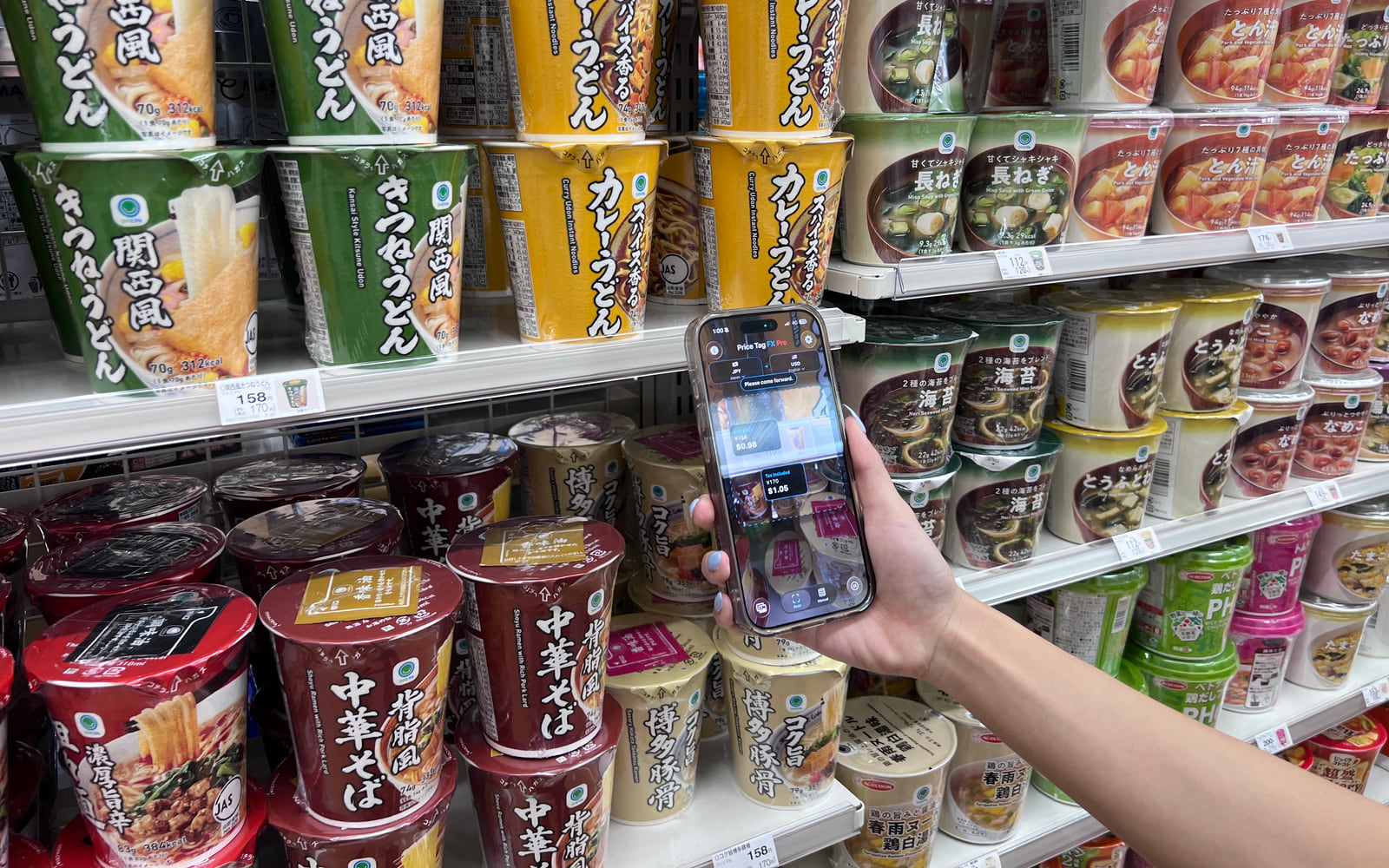
The live camera supplies pixel buffers to the app. Apple Vision’s VNRecognizeTextRequest examines those pixels and returns text observations with confidence and bounding boxes. Price Tag FX uses the accurate recognition level for both live and still-image work, while throttling live requests to keep the camera responsive. Freeze and imported photos use an accurate still path with a broader, steadier opportunity to read small text.
Recognition is configured with the selected market’s locale when Apple Vision supports a matching language, then supplements it with Japanese and English fallbacks. It can make a secondary language-corrected pass in accurate mode or after repeated live misses. This design helps with real retail labels, but Vision’s supported-language list, the image itself, and the chosen market all affect what comes back.
- The camera or selected photo provides a pixel image.
- Vision recognizes text and returns positions and confidence values on device.
- The app normalizes text, including some common OCR character confusions.
- The parser extracts explicit currency-marked amounts and matches nearby retail terms.
- The overlay maps likely prices back near their positions in the image.
- Live OCR is throttled; Freeze and Photo use the accurate still path.
- The selected source market supplies a useful locale and currency constraint.
- Glare, blur, perspective, tiny type, and decorative fonts remain physical limits.
Local price parsing is not general translation
After OCR, Price Tag FX loads the price-term dictionary for the selected market language. The resources cover 20 source languages and include terms for tax included, tax excluded, regular, sale, member, unit, discount, multibuy, points, and related concepts. The parser uses those terms to classify nearby numbers, rank candidates, and generate warnings. Output labels for the normalized concepts are also available in 20 languages.
This is deliberately narrow. It helps answer what kind of price a number appears to be, rather than translating an entire sign, package, ingredient list, or store policy. The set of 20 source and output languages is not the same as the app’s full interface-localization set, and it is not evidence that every OCR language or every general translation pair is available on every device. Product-title translation requires iOS 26 or later.
- Choose the market that matches the physical tag.
- Choose the output language for the normalized price-role labels.
- Read the original amount and role together.
- Treat unmatched words as outside the curated price-term vocabulary.
- Tax, sale, member, and unit roles have explicit parser behavior.
- Multibuy and points terms provide context but do not form a universal deal calculator.
- Confidence and warnings communicate uncertainty rather than hiding it.
Optional product-title translation is a separate layer
The app can choose a likely short product-title block after filtering text that resembles a price, code, address, company name, or other noise. If the source and output languages differ, it asks Apple’s Translation framework whether that exact pair is installed. Only an installed pair is used. The app does not initiate a cloud fallback or promise to download a model automatically in this flow. Product-title translation requires iOS 26 or later.
If translation succeeds, the product title can appear as helpful context above the price. If the pair is unavailable, translation fails, or the result is effectively unchanged, the title is omitted. Price parsing and conversion continue independently. This separation is important for truthful copy: Price Tag FX translates supported local price concepts consistently, while product-title translation is optional and conditional. Product-title translation requires iOS 26 or later.
- The app is not an Apple product and should not imply Apple affiliation.
- Installed-pair status can differ between devices even when the same output language is selected.
- A translated title can still identify the wrong variant if OCR selected the wrong text block.
- No universal product-text or package translation claim is supported.
Source: Apple Translation framework
Draw the privacy boundary accurately
Camera frames, freeze frames, selected-photo pixels, recognized OCR text, parsed prices, product titles, manually entered amounts, and conversion results are not fields in the app’s defined analytics events. Duplicate scan protection hashes local content into a fingerprint rather than sending the raw text as telemetry. The exchange-rate request contains currency-code metadata, not the scanned image or entered amount.
Firebase Analytics and Crashlytics are enabled at startup, and the app assigns a random app-scoped installation identifier for correlation. Events can include source and target currency codes, paid status, feature actions, purchase information, and diagnostics. Optional location detection uses MapKit to resolve a country suggestion. Therefore the accurate promise is private scan-content processing with disclosed technical services, not anonymous, offline, or communication-free operation.
- Read the privacy policy’s camera, photo, analytics, location, rate-provider, and purchase sections together.
- Distinguish content data from technical and event metadata.
- Disable camera or location permission in iOS Settings when you do not want those features available.
- Use Manual when you want conversion without pointing the camera at a tag.
- No cloud OCR does not mean no network services.
- No account does not mean no pseudonymous analytics identifier.
- No third-party display ads is a safer claim than no promotional surfaces because the app cross-promotes another emonster app.
What this workflow cannot confirm
- On-device OCR can still be wrong, and local processing does not guarantee accuracy.
- Vision language availability and quality vary by script, OS version, image conditions, and selected market.
- The 20-language claim applies to local price-term inputs and normalized output labels, not every interface string or product title.
- Optional Apple Translation requires an installed supported pair and may omit the title without error. Product-title translation requires iOS 26 or later.
- The app uses Firebase, Frankfurter, MapKit when requested, and StoreKit; it is not fully offline or network silent.
- Always verify price meaning and checkout amount with the seller.
Troubleshooting
OCR recognizes nothing
Improve focus and contrast, reduce glare, choose the correct market, and retry with Freeze or a sharper imported image.
Text is recognized but no price is selected
Include an explicit currency symbol or code and the surrounding price terminology. Bare numbers are intentionally treated cautiously.
Price terms appear in the wrong language
Correct both the source market and output-language selection. They control different parts of the pipeline.
The product-title translation disappears
Confirm that the exact Apple language pair is installed. The feature is optional and does not use a cloud fallback. Product-title translation requires iOS 26 or later.
Frequently asked questions
Does Price Tag FX upload camera frames for OCR?
No. The implemented OCR path uses Apple Vision on the device. The app still uses separate network services for rates, analytics, diagnostics, optional MapKit lookup, and purchases.
Are 20 languages supported for full translation?
No. Twenty refers to local source price-term dictionaries and normalized output labels. Full-interface localization and optional product-title translation have different coverage.
Why does the app prefer currency-marked prices?
Retail images contain barcodes, dates, quantities, and product codes. Explicit currency evidence reduces the chance that an unrelated number becomes the primary price.
Can I use OCR offline?
The Vision recognition and local parsing paths can work offline. A converted result additionally needs a cached rate snapshot that covers the currency pair.
Take the workflow with you
Try Price Tag FX while you shop.
Free to try, with manual conversion and optional non-renewing Pro access.